FPV DJI Goggles N3
- Immersive Flight Experience
- Ready to Use
- 1080p Ultra-Wide Screen
- DJI 04 Video Transmission
- AR Cursor
- 2.7-Hour Max Operating Time
Warranty :
DJI Official 1 Year Warranty
Distributor :
DJI Authorized Dealer
Estimated Delivery :
Dhaka inside 24 hr | outside 24-48 hr
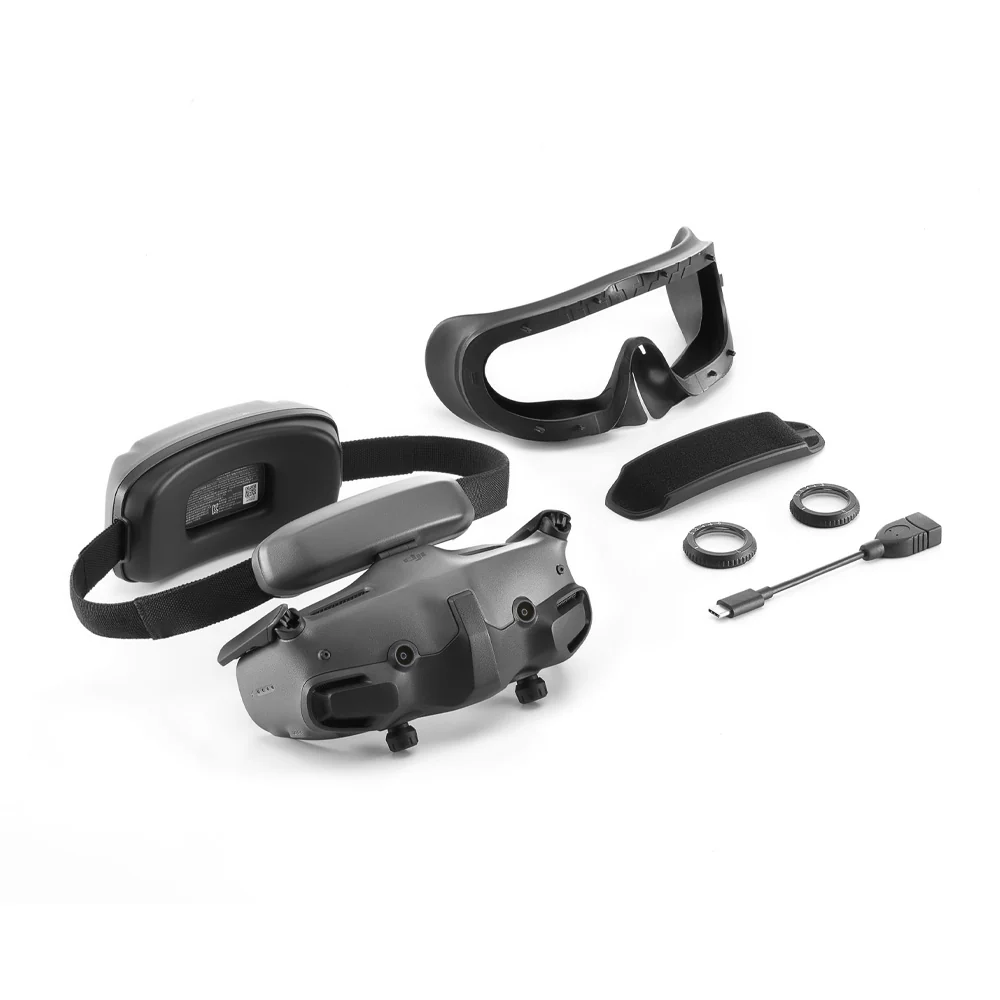
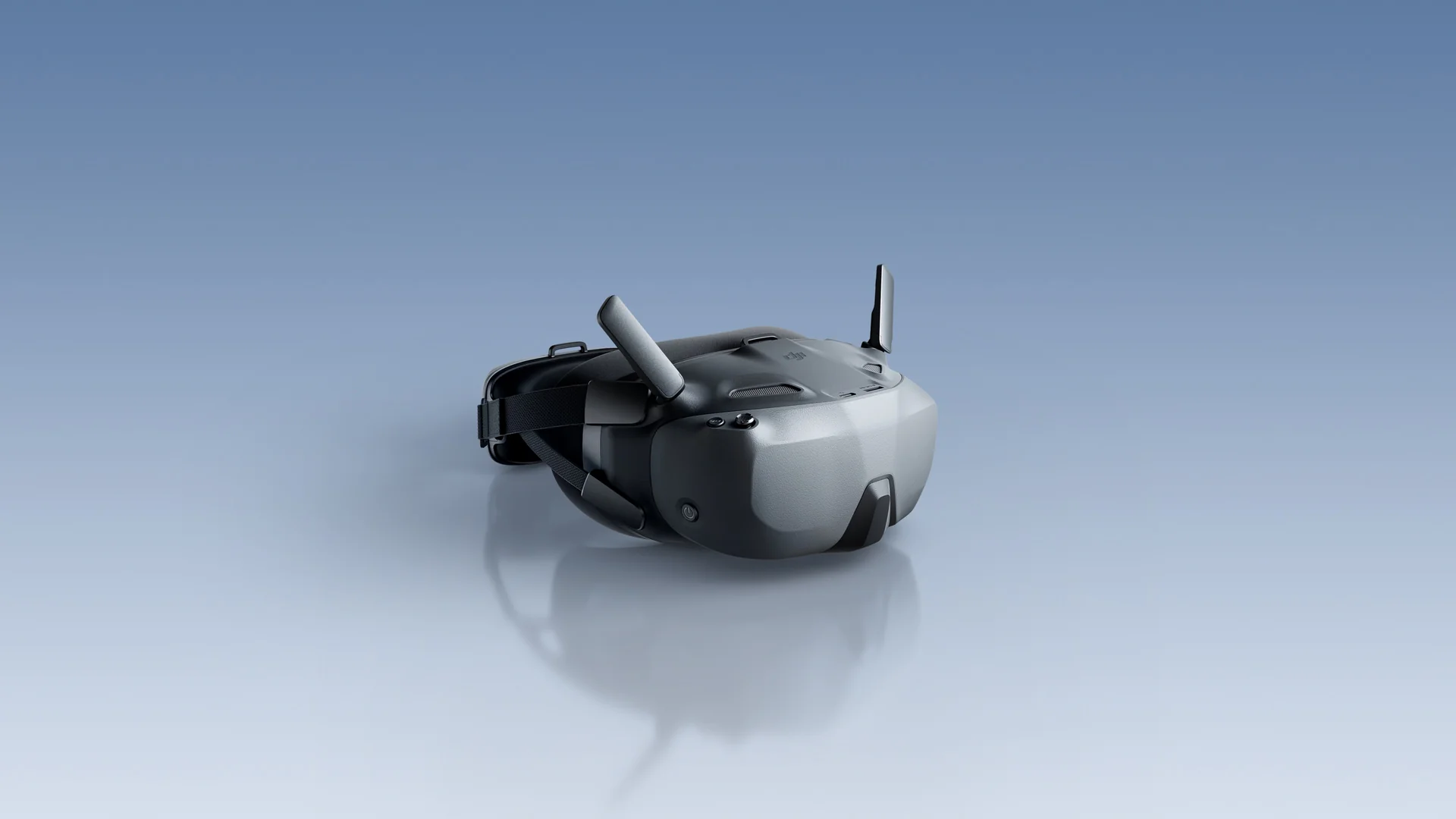
DJI Goggles N3
Into the Sky
Immersive Flight Experience
Ready to Use
1080p Ultra-Wide Screen
DJI O4 Video Transmission
AR Cursor
2.7-Hour Max Operating Time
Embrace the Pilot's Perspective
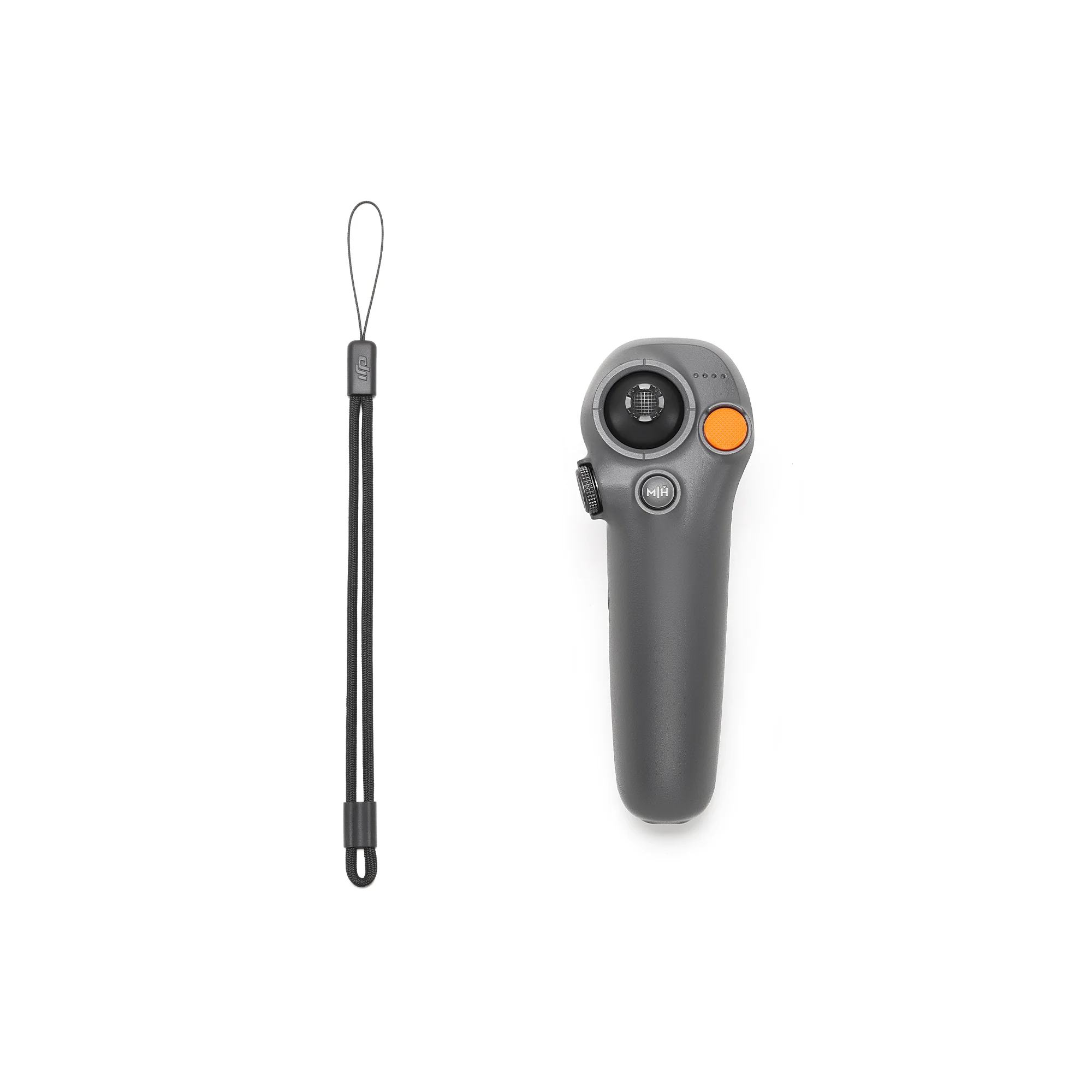
When paired with DJI Neo/DJI Avata 2 and DJI RC Motion 3, DJI Goggles N3 lets you soar through the skies and enjoy an immersive flight experience, as if you were in the pilot seat. Activate the head tracking function to control Neo/Avata 2 with head or wrist movements, achieving seamless synergy.
Easily unlock the aerial acrobatics of Neo, and let Goggles N3 immerse you in the thrilling experience of 360° front/back flips, left/right rolls, and 180° drifts.
Unlock the Easy ACRO feature - Power Loop with Avata 2 with a single push (no need for advanced Manual mode controls with the DJI FPV Remote Controller series), and experience adrenaline-pumping excitement with DJI Goggles N3.
Ready to Use, Streamlined Creation
Roomy and Eyewear-Friendly Design
The roomy interior comfortably accommodates glasses, without needing diopter adjustments or lens installations. Simply put them on, and you can take off right away.
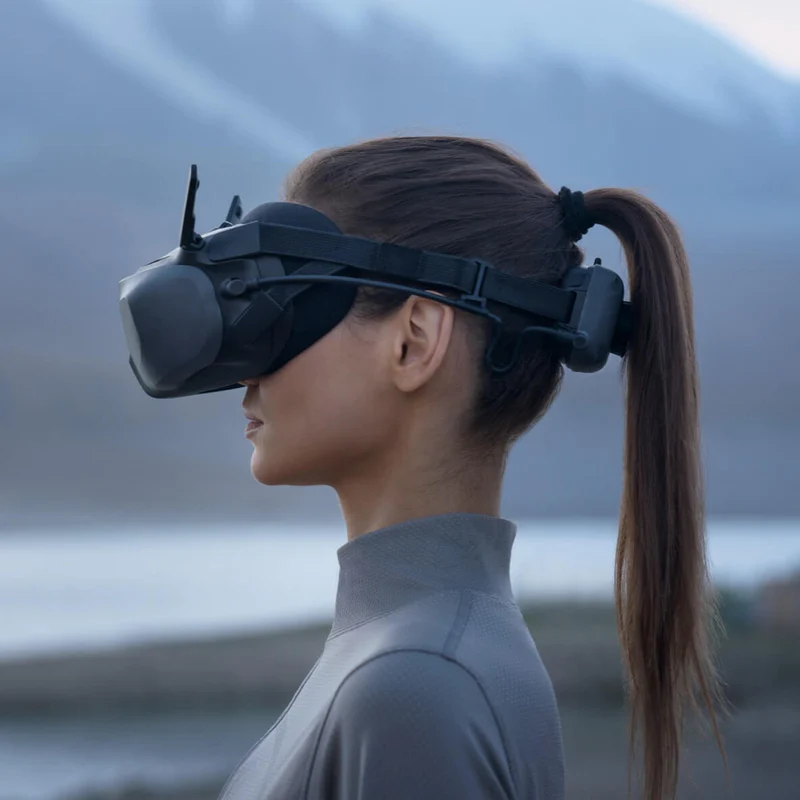
Integrated Design
The integrated headband and battery design balance the overall weight of the goggles, ensuring no pressure on your face for a comfortable fit.
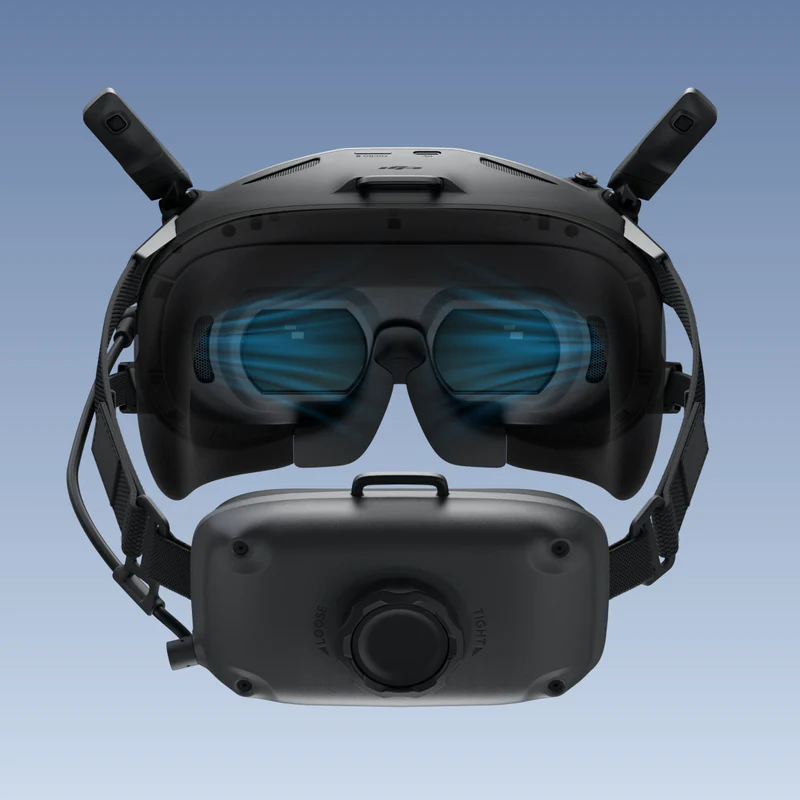
One-Tap Defogging
When fog builds up on the surface of the lenses, the defogging function effectively controls moisture by accelerating the internal fan speed to swiftly circulate air, making it ideal for changing temperatures and high-humidity conditions.
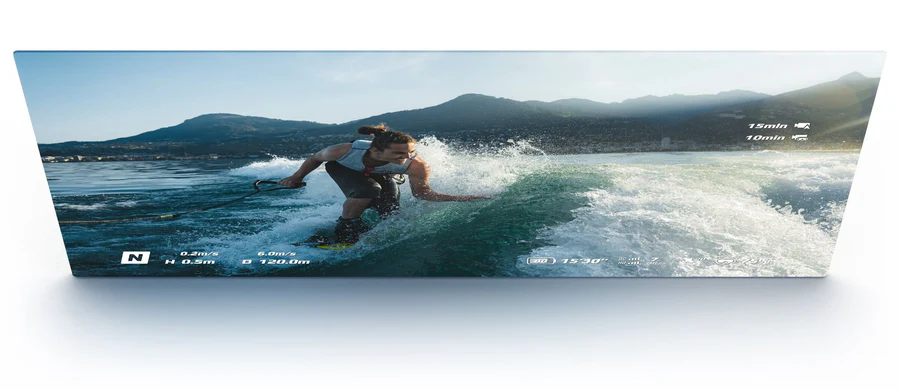
1080p Ultra-Wide Screen
DJI Goggles N3 has a full 1080p 60Hz LCD screen and an impressive 54° FOV. Enjoy stunning visuals with minimal dizziness as impactful aerial scenes come alive before your eyes.
LCD
Screen Material
1920 × 1080
Screen Resolution
60 Hz
Max Screen Refresh Rate
1350 nits
Max Screen Brightness
O4 FHD Video Transmission
Ultra-Low Latency, Stable Video Transmission
The advanced DJI O4 digital video transmission system adopts a 2T4R antenna design, offering exceptional anti-interference performance. Enjoy 1080p/60fps live feeds with a minimum latency of 31 ms and a transmission range of up to 13 km. The goggles automatically select the optimal frequency band between 2.4 GHz and 5.8 GHz based on the environment. This ensures stable transmission so you can experience flying in real-time and get a buttery-smooth live view.
With a max video transmission bitrate of 60 Mbps and SyncSmooth technology, video transmission from the skies to the ground is optimized, providing a smooth live view even when flying at a high speed.
Smooth Flight, Powerful Operating Time
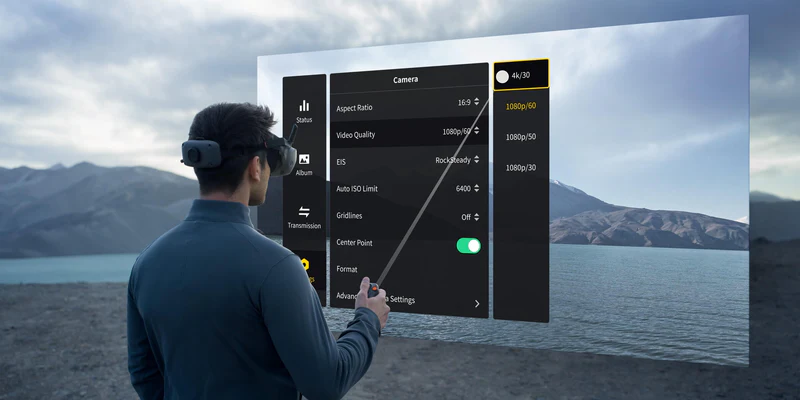
AR Cursor
DJI RC Motion can be used as an AR cursor before the aircraft takes off, or when the aircraft is hovering after braking. This allows you to effortlessly activate functions and adjust settings without taking your hands off RC Motion 3.
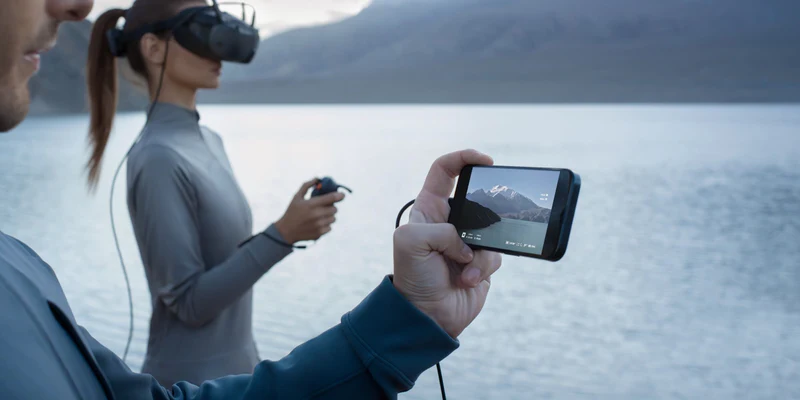
Real-Time Live Feed Sharing
Connect DJI Goggles N3 to your smartphone using a USB-C cable, and you can display a secondary live feed through the DJI Fly app. This allows others to check the live view in real-time, making sharing and teaching convenient and efficient.
Panorama Video Playback
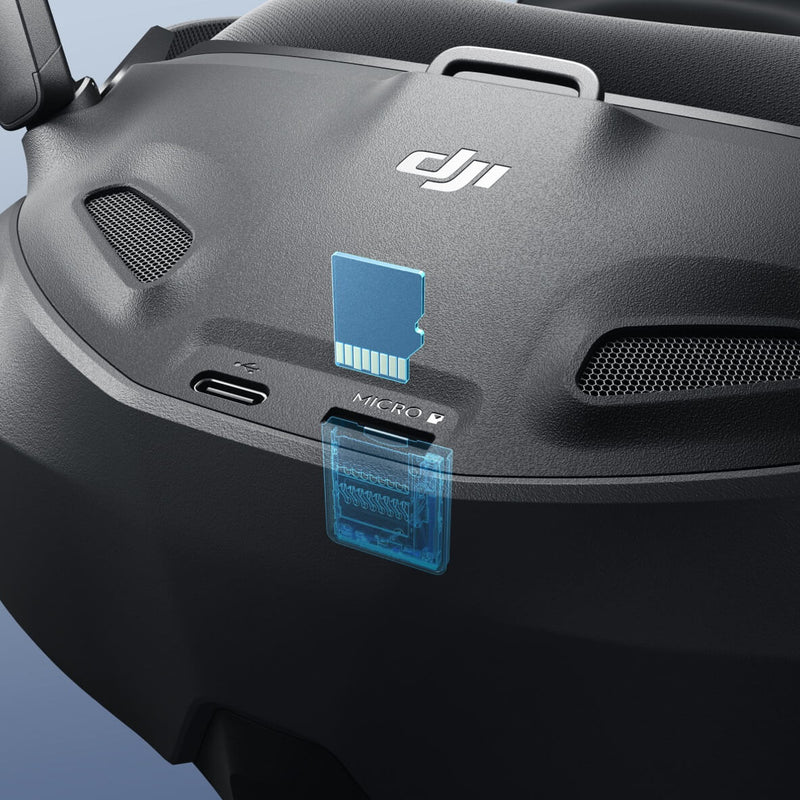
Import panoramic videos onto a microSD card, and you can watch them through DJI Goggles N3. Enjoy a cinematic viewing experience in everyday life.
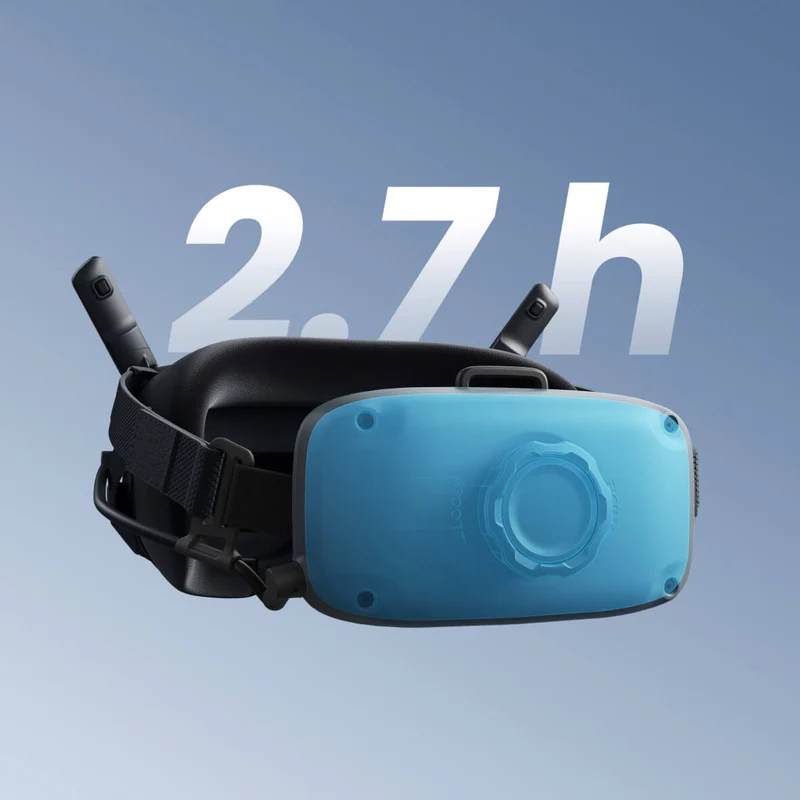
2.7-Hour Operating Time
A fully charged DJI Goggles N3 can last through the use of up to 13 DJI Neo batteries. With a powerful 2.7-hour operating time, you can unleash your creative passion and potential to the fullest.
Compared with DJI Goggles Integra and DJI Goggles 2, DJI Goggles N3 not only incorporates a single 1080p ultra-wide screen and a ready-to-use design but also features DJI's latest O4 FHD video transmission technology. It offers an extended battery life of up to 2.7 hours* and includes additional features such as AR Cursor** and One-Tap Defogging. It is compatible with more of DJI's latest drones and remote controllers, enhancing the overall user experience.
* The 2.7-hour max operating time was measured at an ambient temperature of 25° C (77° F), screen brightness at 6, connected to the DJI Avata 2 aircraft, video transmission set to 1080p/100fps, Head Tracking off, and the goggles' battery fully charged and not supplying power to external devices such as smartphones.
** This feature requires the DJI RC Motion 3.
Supported video formats on the memory card: MP4 and MOV (video coding formats: H.264, H.265; audio formats: AAC, PCM).
Panoramic videos are supported up to a max resolution of 4K/60fps.